
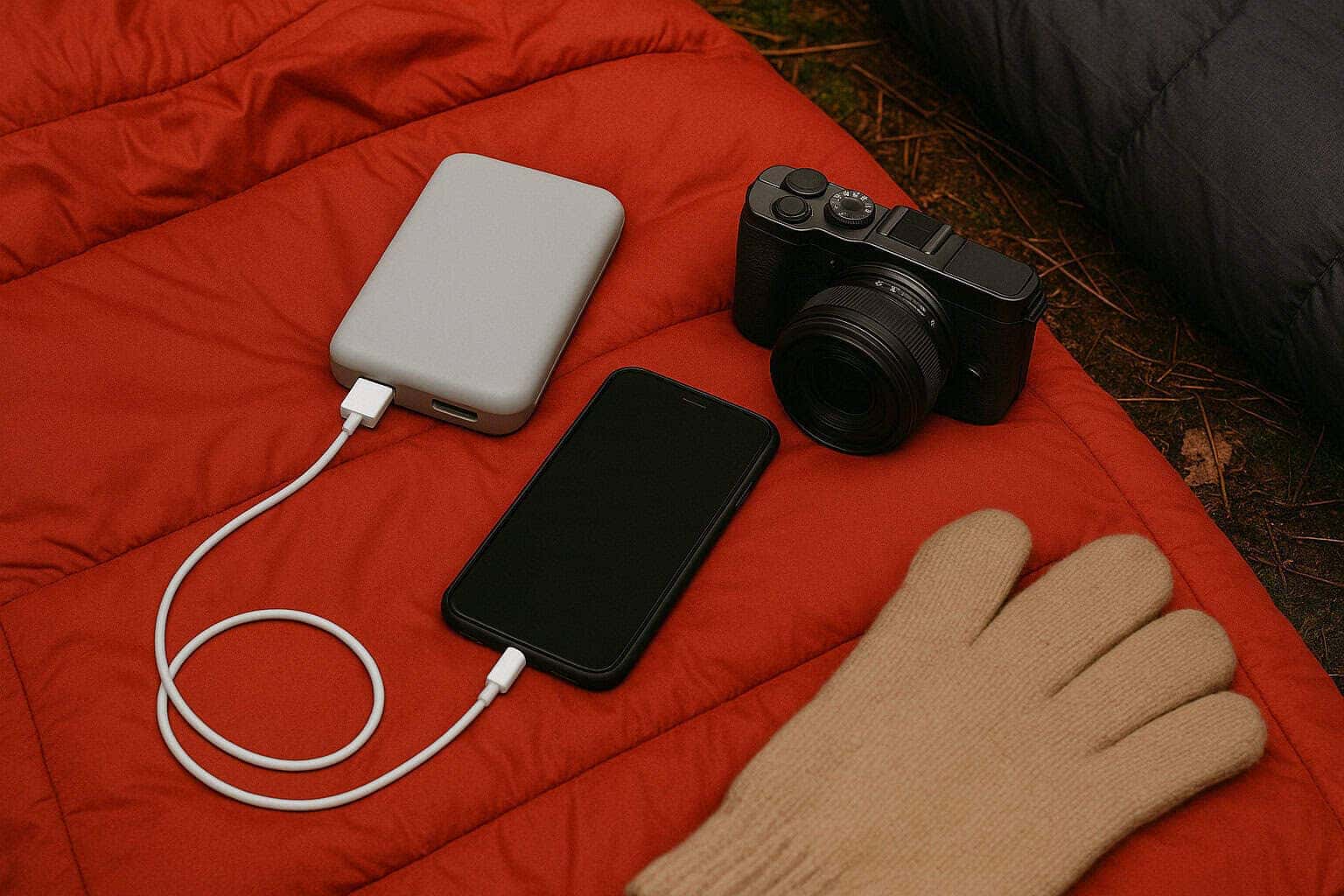
Broken phones or cameras can make it difficult to enjoy breathtaking photographs of the mountains, or even GPS navigation, more than any other thing. The cold temperatures drain batteries at an the rate of a million times faster which means that trekkers aren't able to connect to information, navigation or even pictures. However, with these tried and tested tricks to save battery to ensure your device will continue to function in frigid temperatures.
Why Cold Kills Batteries
Lithium-ion batteries that are used in phones, cameras and power banks depend on chemical reactions that decrease performance when temperatures are lower which is why their capacity is reduced briefly when temperatures fall below the threshold of 0 degC In extreme instances when temperatures drop below 10 degC, the battery can stop working abruptly.
Keep Your Devices Warm
To ensure optimal care for your device Make sure to keep your electronic devices close to your body (such in the inside pockets of a jacket, or the chest strap bag).
Wrap it in an insulating sock or jacket (foil-lined pouches are extremely effective).
Hand warmers are an efficient solution; put them in close proximity to the device, but not touching the device directly (to avoid overheating the device).
Sleeping Bag Trick
Prior to bed, put your smartphone as well as a power bank and camera inside your sleeping bag, as body heat can help to prevent the draining of cold water.
Optimize Battery Usage.
- It reduces the power drain. Turn on Airplane Mode (when the signal isn't Turning this feature on could save up to 70% of the battery).
- Dim the brightness of the screen (or make use of auto-brightness).
- Take out Bluetooth or Wi-Fi. GPS when not when not in use.
- Use battery-saving modes (Android's "Battery Saver" and Apple's "Low Power Mode").
- Limit Extraneous Functions.
- Beware of live wallpapers and animated videos that have no purpose.
- Disable background applications (especially media and games for social networks).
- Don't take pictures or videos in burst mode. This can quickly deplete batteries.
Pre-Wait Before Use
- If your device is not working because of frigid temperatures:
- Shut it off to protect from injury.
- Put it inside an airtight pouch for between 10 and 15 minutes.
- Restart it once it's had the chance for it to get warm.
- Do not charge batteries that are frozen without first warming it up, to prevent permanent damage.
Bring the Right Gear
Cold-Weather Power Banks
When looking for power banks that are cold-weather (e.g., Goal Zero Venture 75 or Anker PowerCore Thermal), be sure to choose ones specifically made for operation at lower temperatures like Anker PowerCore Thermal.
Keep power banks safe and secure. Better yet keep them inside the jacket when they are not utilized.
Solar Chargers for Long-Distance Treks Foldable solar panels (like BioLite SolarPanel 10+ ) permit devices to recharged whenever sunlight is available, for instance when trekking for long distances.
Ideal option for treks in high altitude in the summer when the sun is intense.
Plan B: Make sure you have an fully charged battery (for camera batteries or GPS equipment).
Utilize a standard map and compasses for the best security.
Informing the members of your trek group or the leader of the current state the battery is in.
Best Tips For extremely Cold: Use a Ziploc bag to travel between cold and warm zones to minimize condensation. Before you embark for any long journeys it is advisable to charge your electronic devices in advance since cold weather can decrease the maximum capacity. Be cautious of any metal that touches you directly, since this can conduct the cold rapidly through it.
Conclusion
The cold winter weather makes electronic devices seem even colder, making their batteries important when you're out walking trails or hiking routes. The loss of these precious devices because of a failed battery isn't just frustrating, it's embarrassing.
Learning how cold can affect lithium-ion batteries and making use of the majority the the Trekup India's tricks, such as body heat insulation and hand warmers in airplane mode and safe charging methods that will increase the battery's lifespan can significantly extend its life and minimize the chance of having to stop mid-way through a trek. When trekking through snow-covered hills in Ladakh or through the alpine forests in Uttarakhand, just a few simple steps can ensure that electronics are working and secure.
About the Author: Trekking Expertise You Can Trust

Operations Manager
Nanda Rawat holds a Master’s degree in Tourism & Hospitality and brings over 16 years of experience in adventure and leisure travel. He has led multiple Himalayan expeditions, contributed to ATOAI, and is trained in first aid by the Indian Mountaineering Foundation. A strong supporter of sustainable and ethical tourism, he plays a key role at Trekup India. Write to him at: nanda@trekupindia.com